
Become a Pop Star Tools
Checklists and spend order for a real week — not a fake damage calculator with invented Charm IDs.
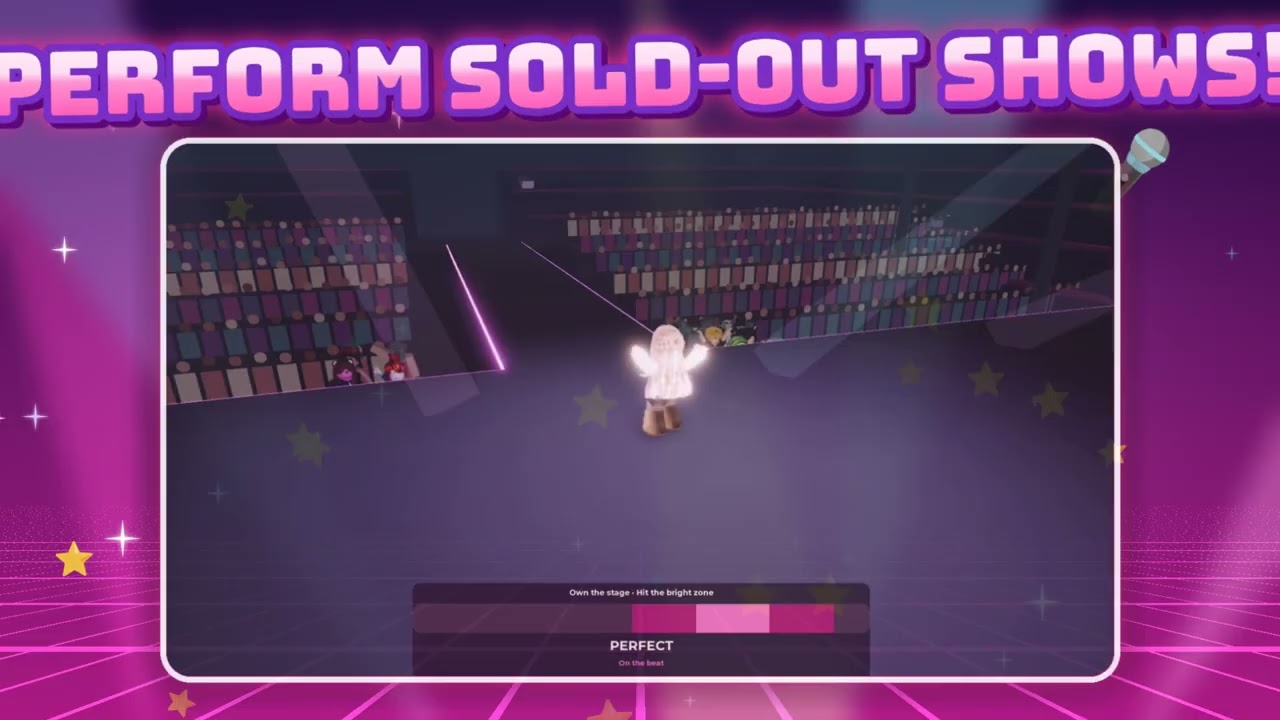
Become a Pop Star does not expose a public API, a damage formula, or a Charm spreadsheet. A “DPS calculator” for this game would be fiction. What you can plan on paper is a week: codes, one focus track, one room you can fill, merch, a social line, then a recap decision about rebirth. This hub is that planner. The printable order lives on the weekly checklist.
Use these tools before you open a loader and before you dump 1MILLION into a stadium. The wiki’s other hubs explain why. This one is the in what order.
What we will build here
- Weekly checklist — the eight-step loop that matches the live HUD. Start there every reset.
- Star Store — Robux shop, dark mode, and why it is not the merch panel. Full page: Star Store.
- Spend order — how to sequence code cash, studio upgrades, promotion, rent, and Robux so you do not brick the recap.
- Social Era overlay — where collab, StarFeed, rivalry, and listening party sit on that loop without turning the week into a soap opera.
We will not add a genre “win rate” widget. The genre tier list is already the ranking. We will not add a username leaderboard. The charts page explains how to read the in-game board instead of scraping it.
Spend order after a code drop
- Redeem
1MILLIONandSHOWTIMEon a fresh server — how to redeem. - Buy the cheapest studio or microphone upgrade that supports the genre you locked.
- Fund one promotion push on the focus single, not five.
- Book a venue your current fans can fill.
- Restock merch once the show is on the calendar.
- Keep a cash buffer for a Social Era fee (collab promo, party, or a lost lawsuit).
- Robux last, and only for a Charm the Charms list treats as a real boost — details on the Star Store page.
That order survives the 18 November 2026 client stamp. A script GUI that auto-buys the most expensive object it sees does not.
How to use the checklist without turning it into homework
Open the weekly checklist on Monday (or whenever your recap rolled). Tick boxes in HUD order, not in Discord argument order. If a Social Era button is missing, you are on a stale instance — rejoin from the official experience before you assume the patch vanished.
Friends still grant a fan boost. Put “same server as a friend” on the checklist if someone is online. Put “collab” on it only if you already have promotion cash and a partner in your genre lane. Put “lawsuit” on it only if a loss would not cancel merch restock.
What a tool is not
A tool is not a leaked Charm ID table. A tool is not a guaranteed #1. A tool is not an executor. If you came here for a loadstring, that is the scripts hub, and it can cost the account.
A tool is also not a substitute for Getting Started. If you have not released a debut, do the beginner page first, then come back and run one checklist week. The recap will finally have numbers worth planning around.
Keep updates next to this hub on patch nights. When Social Era’s child page says a button moved, the checklist’s label moves with it. Until Starberry ships a real public formula, paper beats a fake calculator.
Frequently Asked Questions
Quick answers to the most common questions.
Is there a Become a Pop Star calculator?
No public formula exists. Use the weekly checklist and the spend order on this hub instead of invented Charm math.
What should I spend 1MILLION on first?
A cheap studio upgrade, one promotion push, then a venue you can fill. Stadiums you have not unlocked waste the payout.
Do these tools work with Social Era?
Yes. The checklist adds StarFeed, collab, and optional rivalry after the music loop, matching the Social Era guide.
Should I run a script instead of a checklist?
A loader can click faster and still fail the social line that charts now reward. Read script safety if you insist.
Is the Star Store the same as merch?
No. Merch sells in-world SKUs for cash. The Star Store is the Robux shop plus dark mode. Redeem codes before you buy cosmetics.